Using voyage performance
What the voyage page will cover, and what this build actually shows.
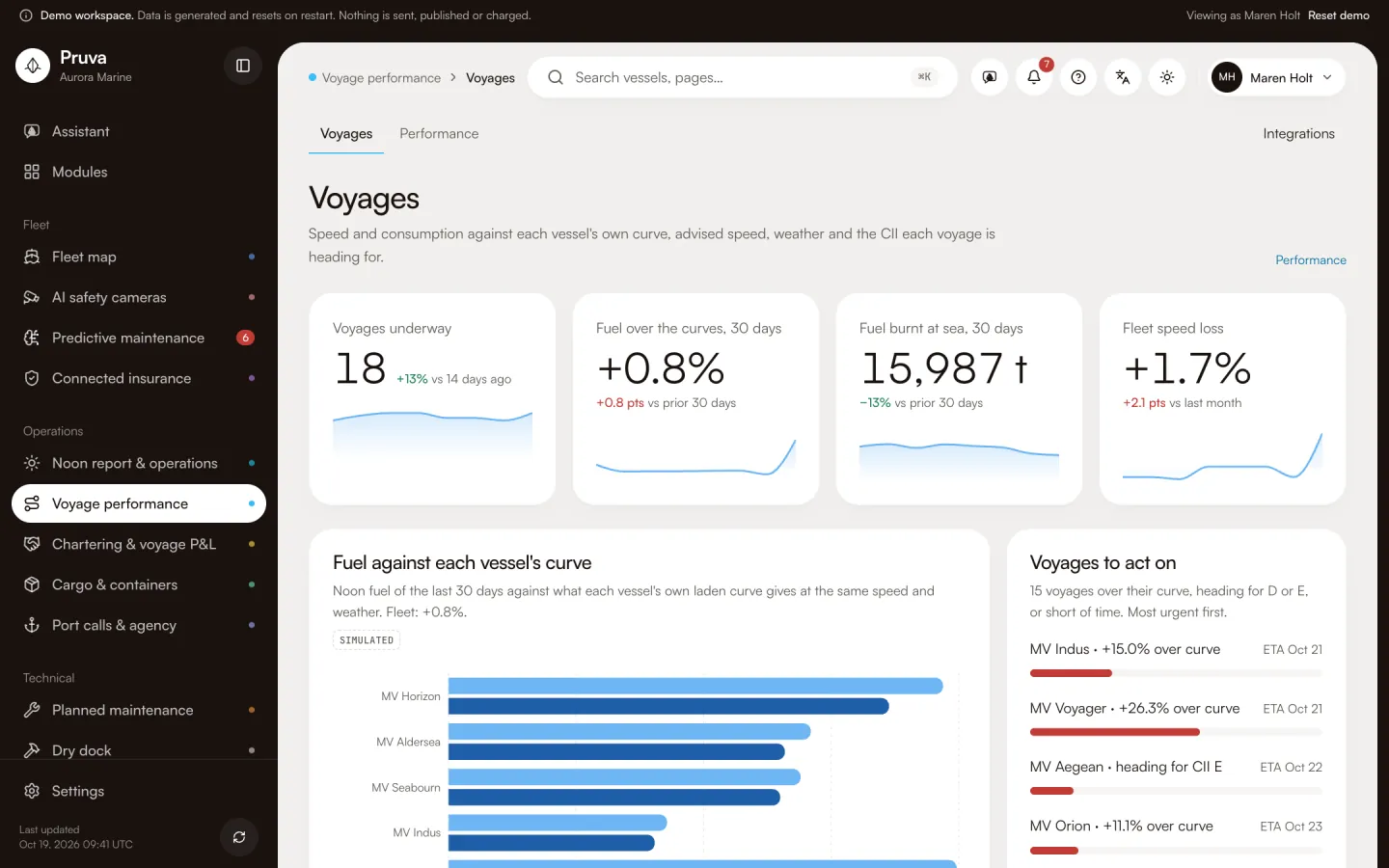
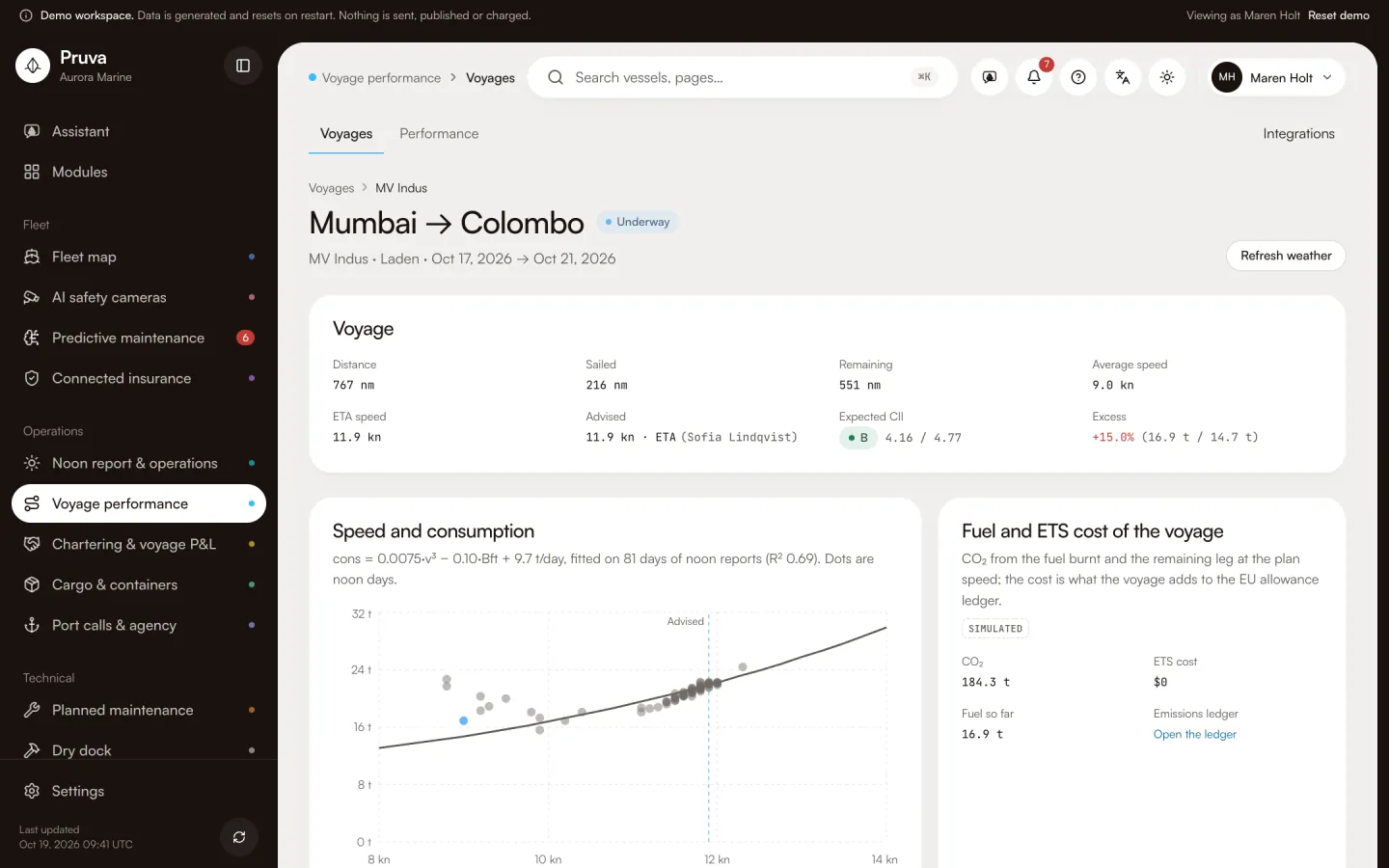
Voyage performance is the ship manager’s view of one passage: speed and consumption against the weather, routing advice from a partner, and the CII of that voyage. It is not a weather-routing product of its own. The catalogue says the router stays with a bureau such as StormGeo, and Pruva keeps the result. The operations superintendent and the master would read the advised speed. The emissions officer would read the CII this passage adds. Chartering would read the fuel and the ETS cost later, on the voyage result, without copying the noon figures.
Dashboard and pages
Voyages is http://localhost:4400/app/voyage . In this build the page is a placeholder. It names the module, the tagline and a link to integrations. It does not list voyages, draw a consumption curve, or offer a route. Integrations is http://localhost:4400/app/integrations/voyage .
The catalogue describes five screens that are not built: voyages in progress with an advised speed and an expected CII; one voyage with the consumption curve, the noon points and the weather window; the fuel and the ETS cost this voyage will add; a list of partner routes with the one that was chosen; and the port calls on that voyage, opened from the noon port call. Those port calls already live in the port module.
Workflows
The manifest names no publish action, and the placeholder has no buttons. view will be enough to read the voyages when the screens exist. There is nothing to approve, send or postpone. Kaan Erdem has edit and Sofia Lindqvist has edit in the demo seed. That level has no action to press.
Shared records
Fuel comes from the noon report. The emissions ledger stores the CII, ETS and FuelEU result. The commercial voyage result may display the same fuel and ETS later. It must not become a second ledger. The port call stays the port module’s record.
What the demo simulates
There is no voyage data to simulate beyond the placeholder. Connectors are mocks. Migration 11 is reserved. Do not treat the marketing summary (speed, weather, routing advice, CII per voyage) as a screen you can open.
Integrations
Open-Meteo Marine and StormGeo routing are mocks. Nothing is fetched. See Connections and the module reference.