Using cargo and containers
How the shore confirms a milestone and a document, and how the ship holds a box or flags a reefer.
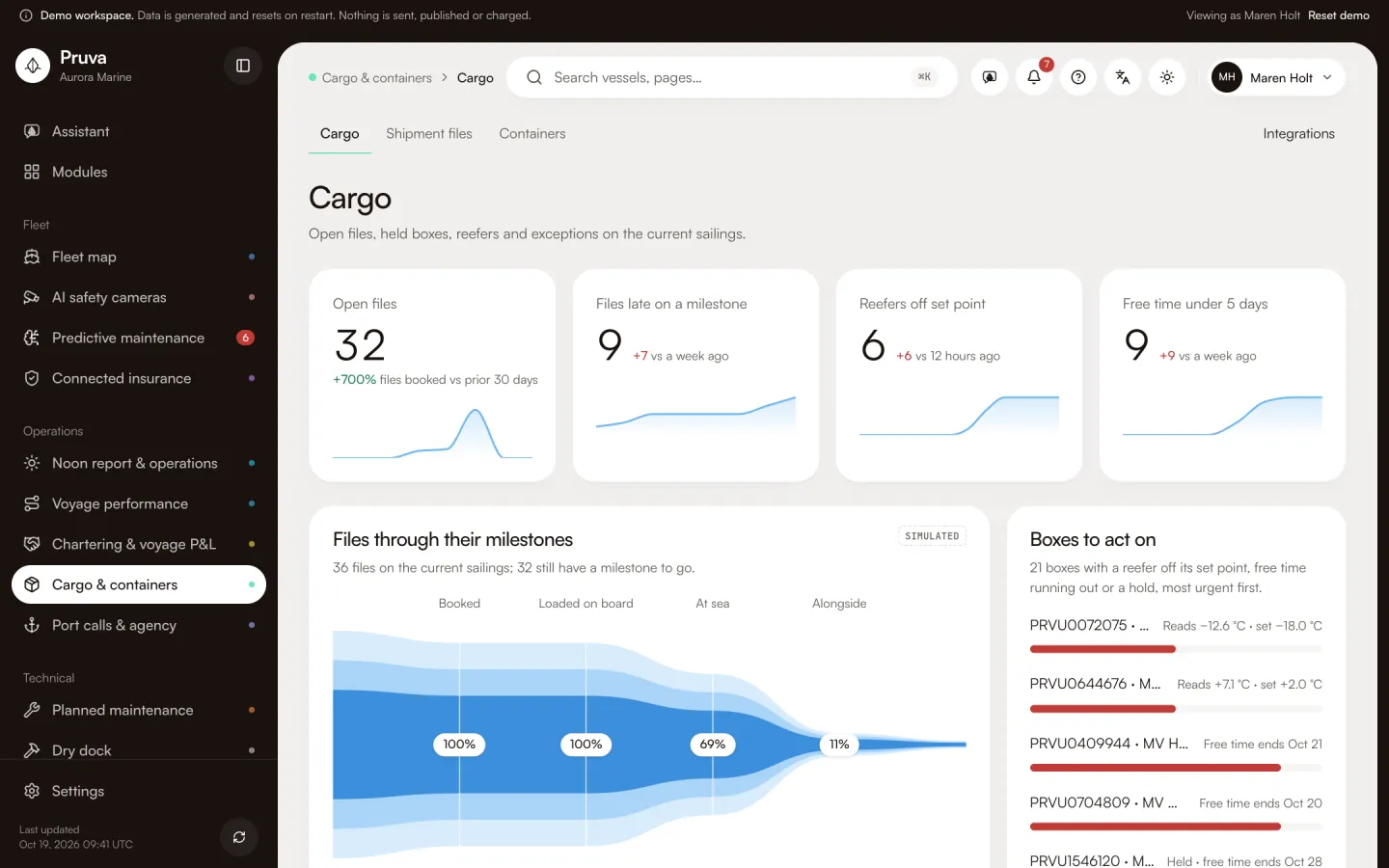
Cargo is the shipment file and the container on a sailing. It is the ship manager’s file, not a forwarder’s booking desk. The operations clerk ashore confirms milestones and document status. The master and the chief officer, with edit, can hold a box or flag a reefer. In the demo Capt. Erdem Yılmaz has edit. Selin Demir and Kaan Erdem have publish. Ravi Menon has view, so he can read the file and cannot hold a box.
Dashboard and pages
Cargo is http://localhost:4400/app/cargo . It shows open shipment files, held boxes, reefers off their set point, ocean exceptions and how full each box is.
Shipment files is http://localhost:4400/app/shipments . One file is http://localhost:4400/app/shipments/ and then the code: parties, cargo lines, milestones, documents and the charge grid.
Containers is http://localhost:4400/app/containers . One box is http://localhost:4400/app/containers/ and then the number: type, place, fill, reefer reading, the gate hold, and the demurrage and detention clocks. Integrations is http://localhost:4400/app/integrations/cargo .
Workflows
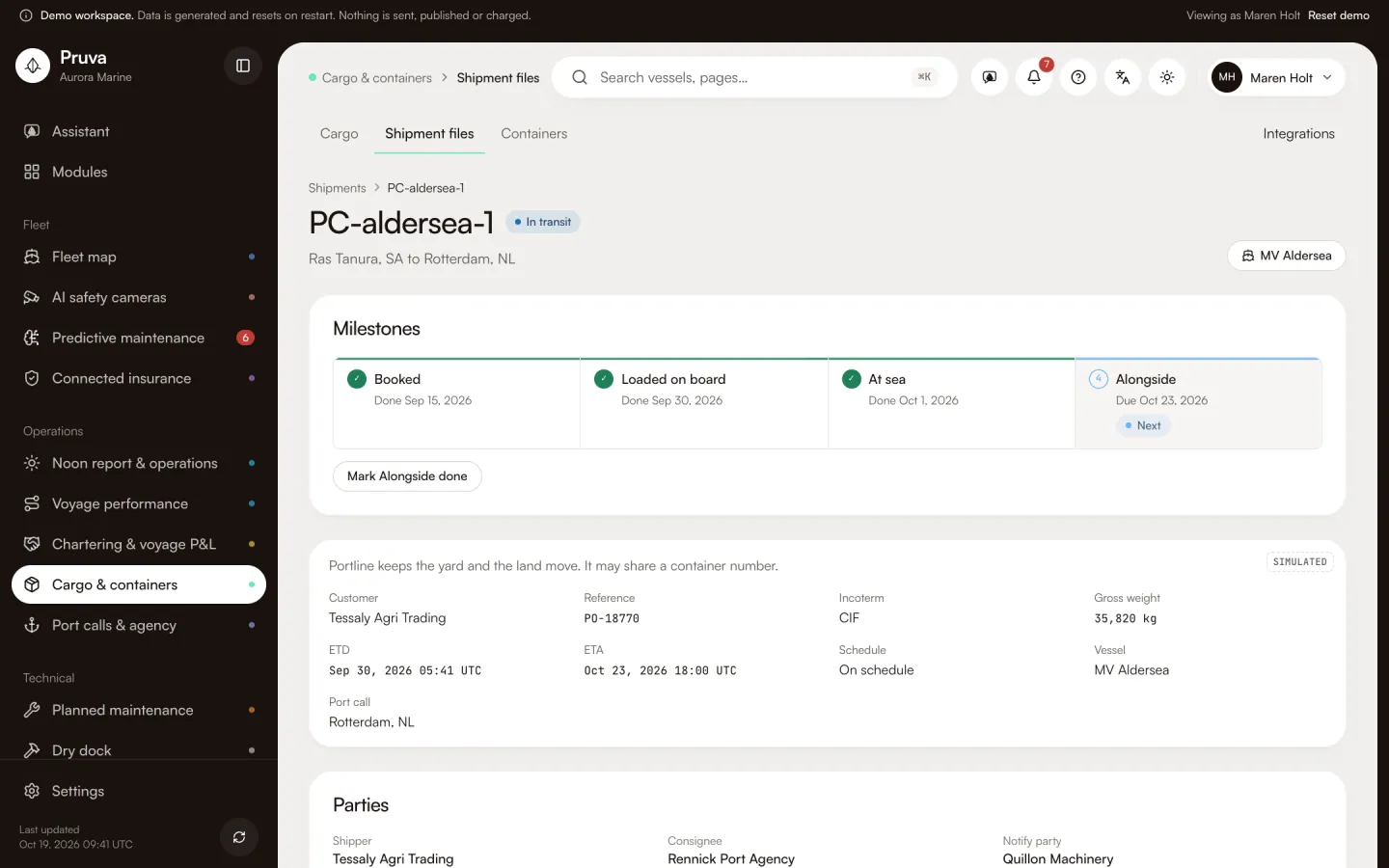
Mark a milestone done needs publish (cargo.milestone). The button is Mark, plus the name of the next step. It confirms that step on the file. It does not message the carrier.
Setting a document to submitted, verified or rejected needs publish (cargo.document). It updates the file. It does not send the document.
Hold and release a box need edit (cargo.hold). Flag a reefer needs edit (cargo.reefer_flag). view is enough to read files, boxes and the exception list. Agents cannot confirm a milestone or a document.
Shared records
The port call owns the visit. This module owns the file and the box, and each row points at that call. The port-call page links back to the same files. The gate hold on the port page is this module’s hold. A missing document on the file is what the port desk lists as an ocean exception. Procurement and finance do not post these charge lines.
What the demo simulates
On MV Aldersea’s Rotterdam sailing there are two files and three PRVU boxes. The gate box is held and carries the one dangerous-goods line. The on-board box is the reefer and reads off its set point. The first file is missing its bill of lading. The second file is one milestone late. Charge lines are simulated USD and post to no ledger. Reefer traces are seeded. No action sets the empty-return time. Container order follows the port-call slice in the demo and the box number in database mode.
Integrations
DCSA Track & Trace and carrier EDI are mocks. See Connections and the module reference.