Using inventory
How the ship issues a part to a job, adjusts a count, and requests a hazardous-materials declaration.
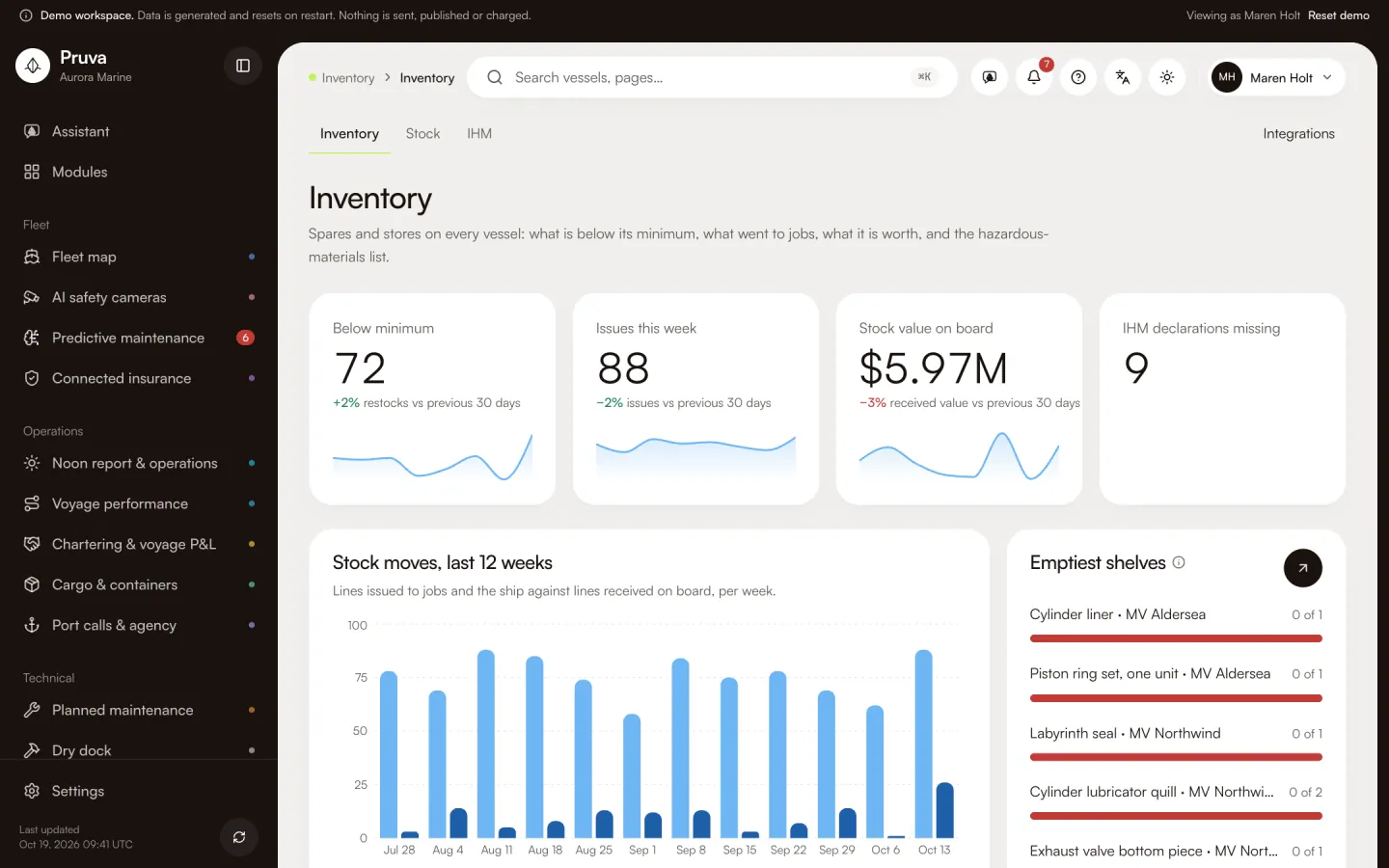
Inventory is the spares and stores on each vessel: what is on hand, what is below the minimum, what was issued to a job, and which lines are hazardous materials. The chief engineer issues a part to a job and adjusts a count after a storeroom check. The superintendent reads the stock value and the missing declarations. Nobody in this module has a publish action. edit is the write level.
Dashboard and pages
Inventory is http://localhost:4400/app/inventory . It shows parts below the minimum, issues to jobs this week, the stock value on board and hazardous-materials declarations still missing.
Stock is http://localhost:4400/app/inventory/stock . One part is http://localhost:4400/app/inventory/parts/ and then the id: stock on every vessel, the moves, the jobs that use it, open orders and the hazardous-materials flag.
IHM is http://localhost:4400/app/inventory/ihm . For one vessel it lists material built into the equipment and hazardous stores on board, with the declaration status of each line. Integrations is http://localhost:4400/app/integrations/inventory .
Workflows
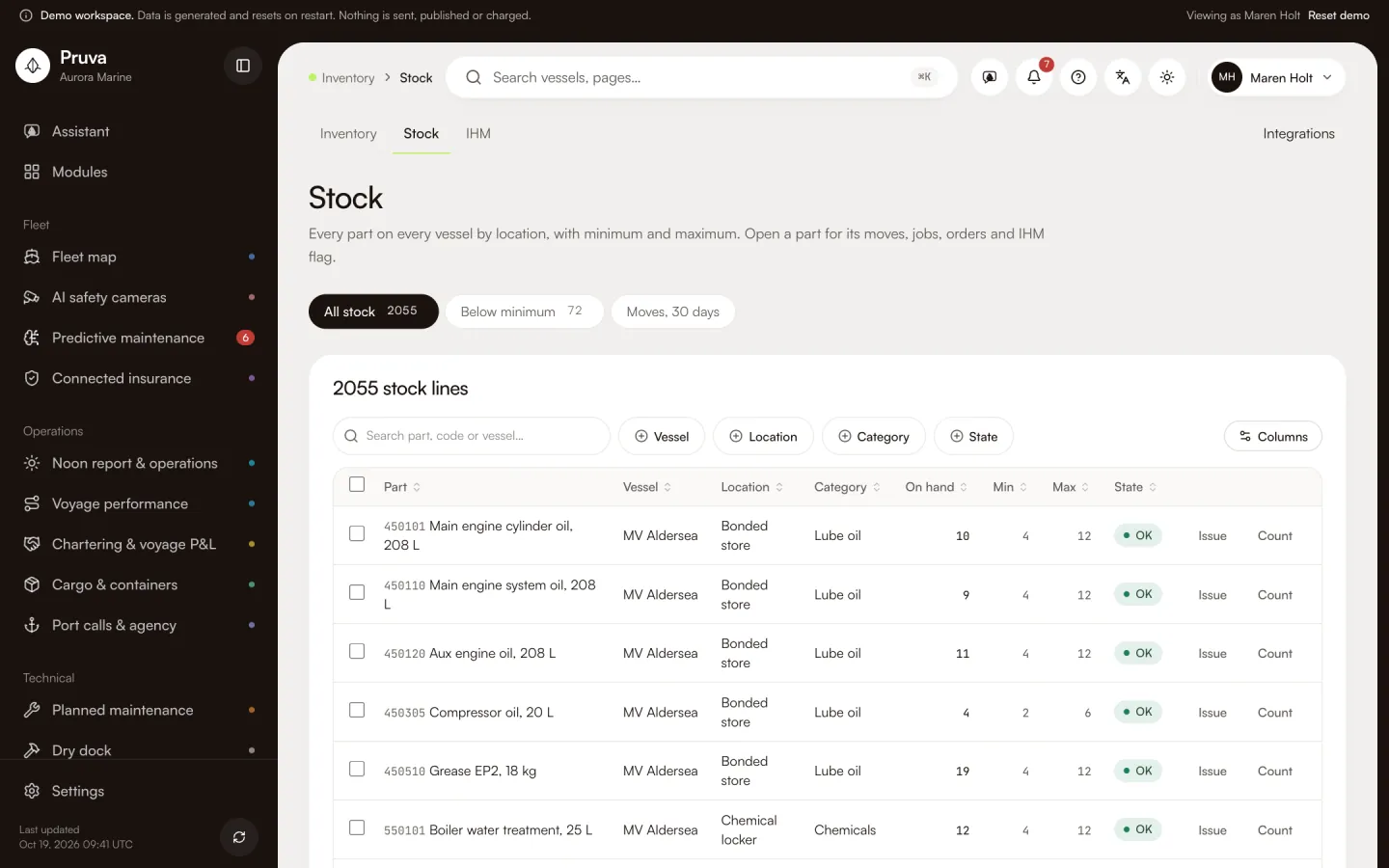
Issue needs edit (inventory.issue). The button is Issue. You name the vessel, the part, the quantity and, when it is for a job, the job. Adjust needs edit (inventory.adjust). You enter the counted quantity and a reason. On hand never goes below zero. The database keeps on hand from the move, not from a typed balance.
Request a declaration needs edit (inventory.ihm_request). It marks a part, or one built-in item, as requested. It does not send a message, and no action sets the line to received. view is enough to read stock, value and the IHM list. There is no publish button.
Shared records
The part is this module’s record. The planned-maintenance job card shows one request line and does not grow a stock screen. Procurement orders that part and, on receipt, posts a receipt move here. The IHM line is the same list procurement is expected to carry on the order. A transfer between locations is not built. One stock row per part and vessel holds the location as a field.
What the demo simulates
The catalogue is 123 made-up parts, with made-up IMPA-style codes, reference prices and a year of issues and counts. The stock value uses those prices. The barcode scanner and the IHM register are mocks. Nothing is sent to a supplier.
Integrations
The barcode scanner and the IHM register are mocks. See Connections and the module reference.